
Introduction:
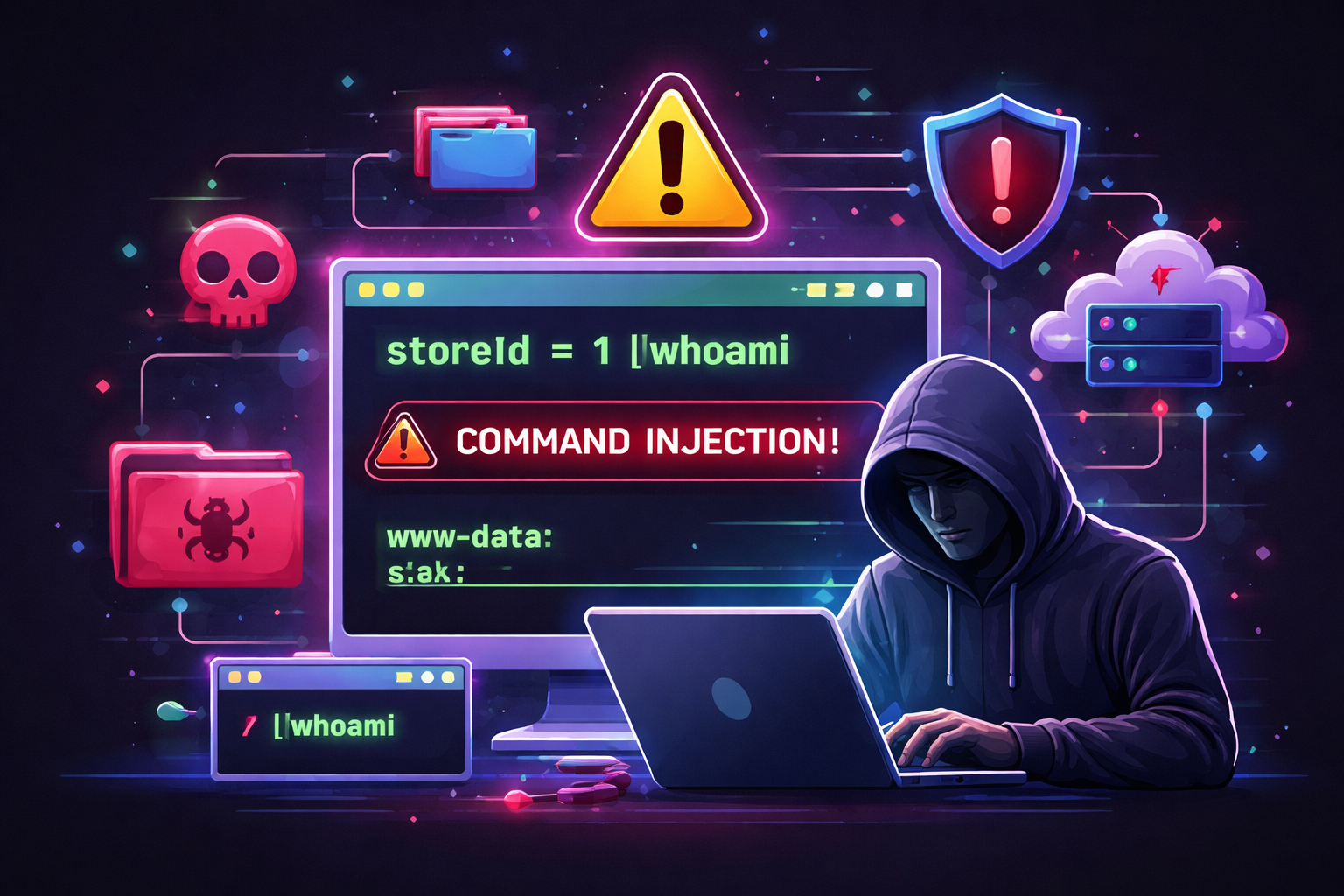
The PortSwigger Web Security Academy provides guided labs where security professionals can practice identifying and exploiting common vulnerabilities in web applications. The lab titled “OS Command Injection, Simple Case” demonstrates a fundamental security flaw that allows attackers to execute operating system commands through a vulnerable web application parameter. This hands-on exercise offers a practical understanding of how command injection vulnerabilities manifest and how they can be mitigated effectively.
Lab Setup & Objective:
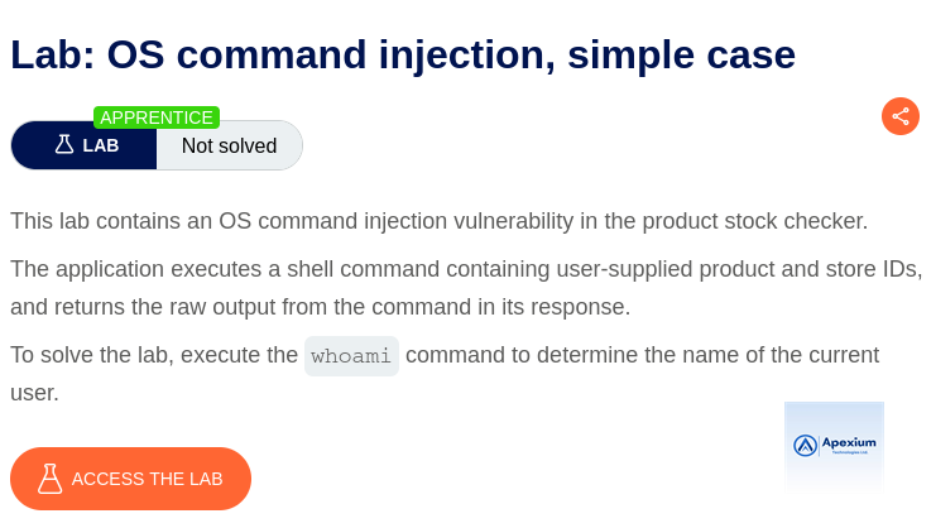
This lab simulates a real-world scenario where a web application is vulnerable to command injection via an HTTP parameter. The goal is to exploit the vulnerability to execute arbitrary commands on the server’s underlying operating system. In this instance, the vulnerable functionality checks product stock availability based on a `storeId` parameter.
Walkthrough:
- Intercepting the Request: Open Burp Suite and ensure interception is enabled.
Navigate to the lab webpage and proceed to check the stock level for a product.
This action triggers an HTTP request that will appear in Burp Proxy.

- Modifying the Parameter: Locate the `storeId` parameter in the intercepted POST request. Modify its value to inject a command:
1|whoami
This payload combines a legitimate input (`1`) with an injected command (`whoami`), separated by a pipe symbol (`|`). The pipe is interpreted by the shell, causing the `whoami` command to execute after the initial command.
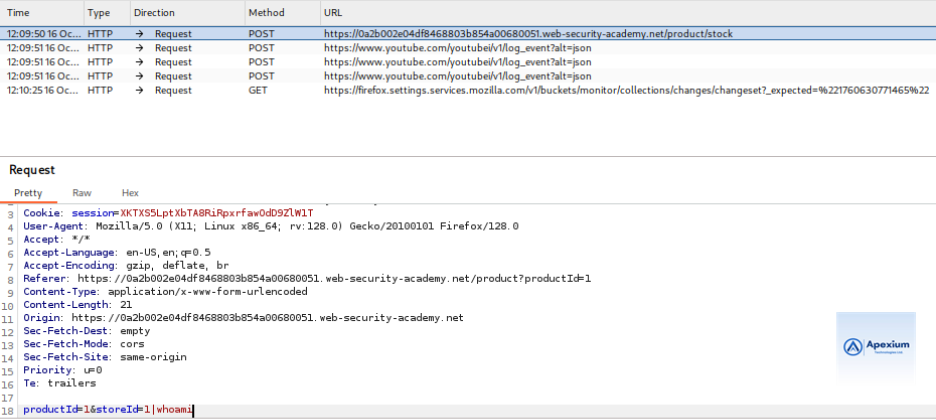
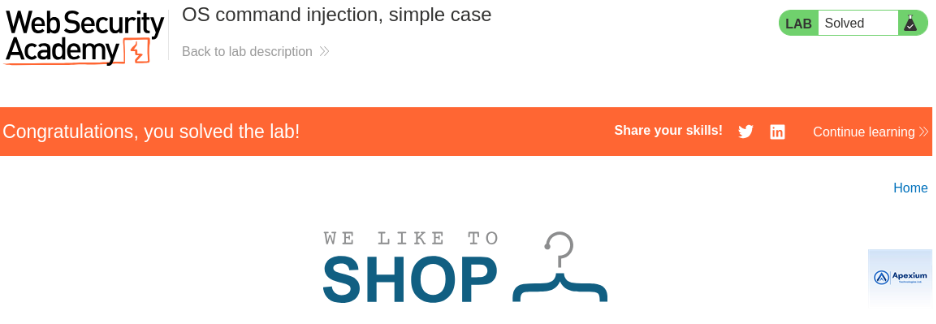
- Observing the Response: Forward the modified request. Upon receiving the response, observe that the output includes the result of the `whoami` command—specifically, the username of the system’s current user. This confirms successful command execution.

Technical Insights
Attack Vector Used:
The attack exploits improper handling of user-supplied input in the `storeId` parameter. Rather than treating the input strictly as data, the web application passes it unsanitized to a shell command executed by the backend, making it susceptible to injection.
Exploitation Steps Summary:
- Intercept a valid HTTP request containing the target parameter.
- Append an OS command to the parameter using shell operators like `|`.
- Submit the manipulated request and review the response for command output.
Mitigation Strategies:
To prevent command injection vulnerabilities:
- Avoid Shell Execution: Never pass user input directly to system commands. Where possible, use safer APIs or libraries.
- Input Validation: Strictly validate input types, lengths, and characters. Reject special symbols like `|`, `&`, `;`, etc.
- Parameterization: Use parameterized interfaces or wrappers designed to isolate untrusted input from command interpreters.
- Principle of Least Privilege: Run web applications with minimal privileges to limit potential damage.
Conclusion:
Command injection remains one of the most dangerous vulnerabilities due to the high level of control it grants an attacker over a compromised server. This PortSwigger lab provides a foundational understanding of the issue, illustrating both exploitation techniques and defensive approaches. Security teams should regularly audit code for unsafe system interactions and enforce secure coding standards to prevent such flaws.
References:
- PortSwigger Web Security Academy – OS Command Injection https://portswigger.net/web-security/os-command-injection/lab-simple-case
- Burp Suite Documentation https://portswigger.net/burp/documentation
Note: The activities described in this lab were conducted within a controlled environment under explicit authorization.