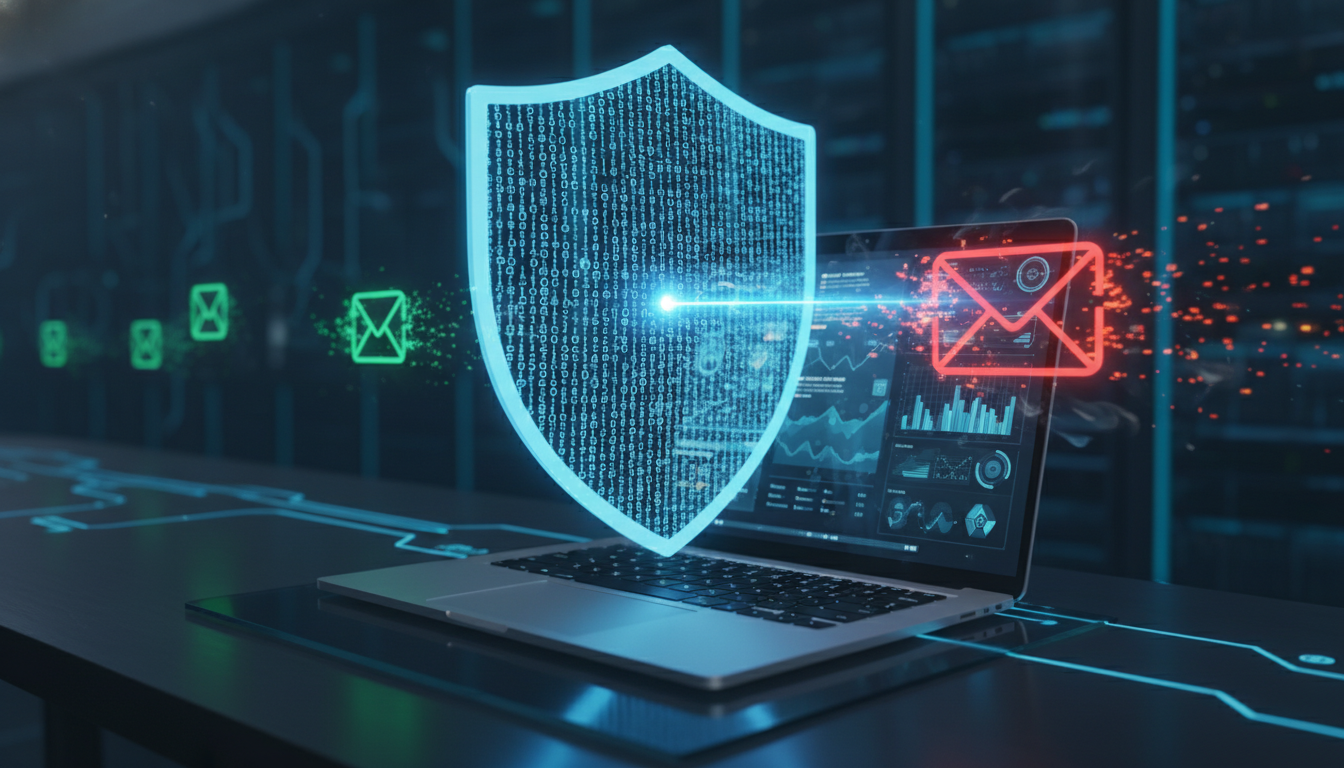

In the world of cybersecurity, the “Human Layer” remains the most targeted vulnerability. Despite the millions spent on sophisticated firewalls and EDR (Endpoint Detection and Response) tools, a single poorly handled email can bypass it all.
Email hygiene is the practice of maintaining a clean, skeptical, and organized approach to digital communication. For the IT enthusiast, this means moving beyond “common sense” and adopting a protocol-driven approach to every inbox interaction.
1. The Art of the Hover: Handling Links
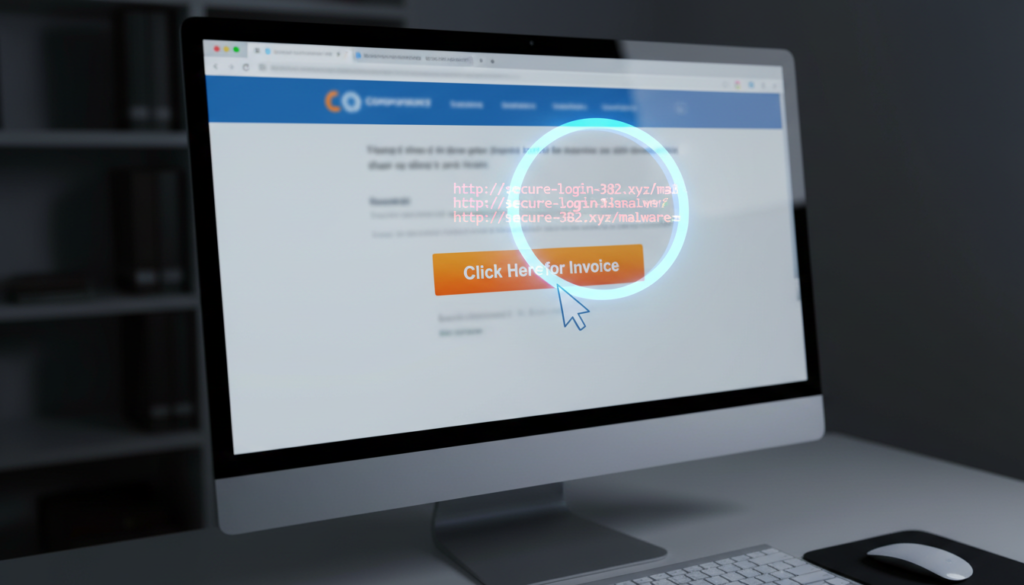
Links are the primary delivery vehicle for credential harvesting and drive-by downloads. In 2026, attackers use sophisticated URL shortening and “look-alike” domains (typosquatting) that can fool even seasoned pros.
The Protocol:
- The “Hover” Rule: Never click a link without hovering your mouse over it first. Look at the bottom-left corner of your browser or mail client to see the actual destination URL.
- Deconstruct the Domain: Check for subtle misspellings (e.g.,
micros0ft.cominstead ofmicrosoft.com). - Use a Sandbox: For suspicious links, use a “URL Scanner” or a dedicated sandbox environment rather than your production machine.
- Avoid Redirects: Be wary of links that go through multiple redirects.
Technical Resource: Use tools likeVirusTotalorurlscan.ioto safely inspect the reputation of a link before you ever visit it.
2. The Trojan Horse: Safe Attachment Management
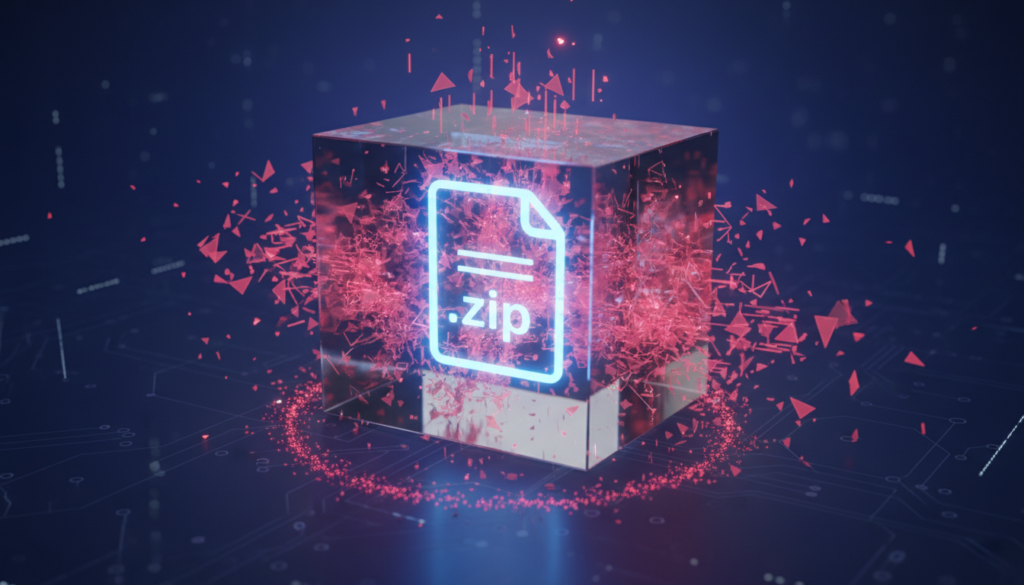
Attachments are no longer just simple .exe files. Modern threats hide inside “weaponized” Office documents, PDFs, and seemingly innocent .iso or .zip files.
The Protocol:
- Verify the Source: Even if the sender’s name looks familiar, ask: Was I expecting this? Attackers frequently hijack email threads to send malicious files from “trusted” accounts.
- Check File Extensions: Enable “Show File Extensions” in your OS settings. Beware of double extensions like
Report.pdf.exe. - Beware of Macros: Never “Enable Content” or “Enable Macros” on a document from an external source. This is a common gateway for ransomware.
- Scan Everything: Even if your enterprise mail filter says it’s clean, run a local AV scan on any downloaded file before opening it.
Deep Dive: Read more about howMacro-based Malwareworks via the MITRE ATT&CK framework—the industry standard for understanding cyber-adversary behavior.
3. The “Forward” Trap: Protecting the Chain
The “Forward” button is one of the most dangerous tools in your inbox. When you forward an email, you aren’t just sending a message; you are often sending a history of metadata, internal IP addresses, and previous conversation threads.
The Protocol:
- Scrub the Thread: Before forwarding, scroll down. Remove any sensitive internal information, signature blocks with cell phone numbers, or previous attachments that the new recipient doesn’t need.
- Stop the “Chain”: Avoid forwarding “Warning” emails or “Security Alerts” that didn’t come from your official IT department. These are often “hoax” emails used to track active accounts or spread misinformation.
- CC vs. BCC: Be mindful of privacy. If you are forwarding an announcement to a large group, use BCC to prevent a “Reply All” storm and to protect everyone’s email address from being harvested.
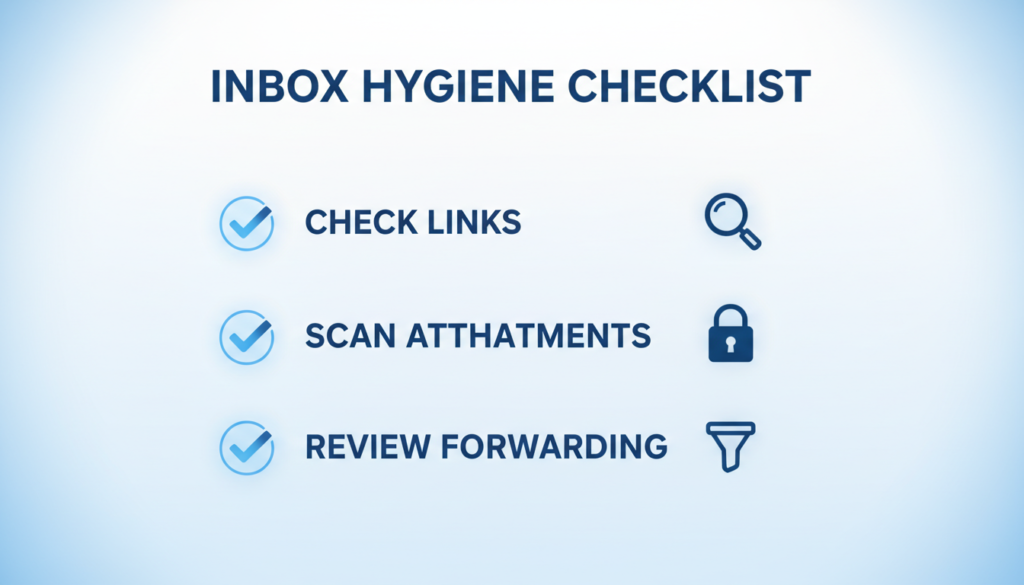
The Daily Hygiene Checklist
To keep your communication clean, run through this mental checklist for every external email:
| Element | Action | Warning Sign |
| Sender | Verify the “From” address header. | Display name doesn’t match the email domain. |
| Links | Hover and inspect the destination. | URL shorteners (bit.ly) from unknown senders. |
| Attachments | Scan and check extensions. | Prompting you to “Enable Macros” or “Enable Content.” |
| Tone | Check for “Artificial Urgency.” | Language that demands immediate action or threatens account closure. |
The Takeaway
Email hygiene isn’t a one-time setup; it’s a mindset of “Trust, but Verify.” By implementing these protocols, you reduce the attack surface of your personal and professional life.