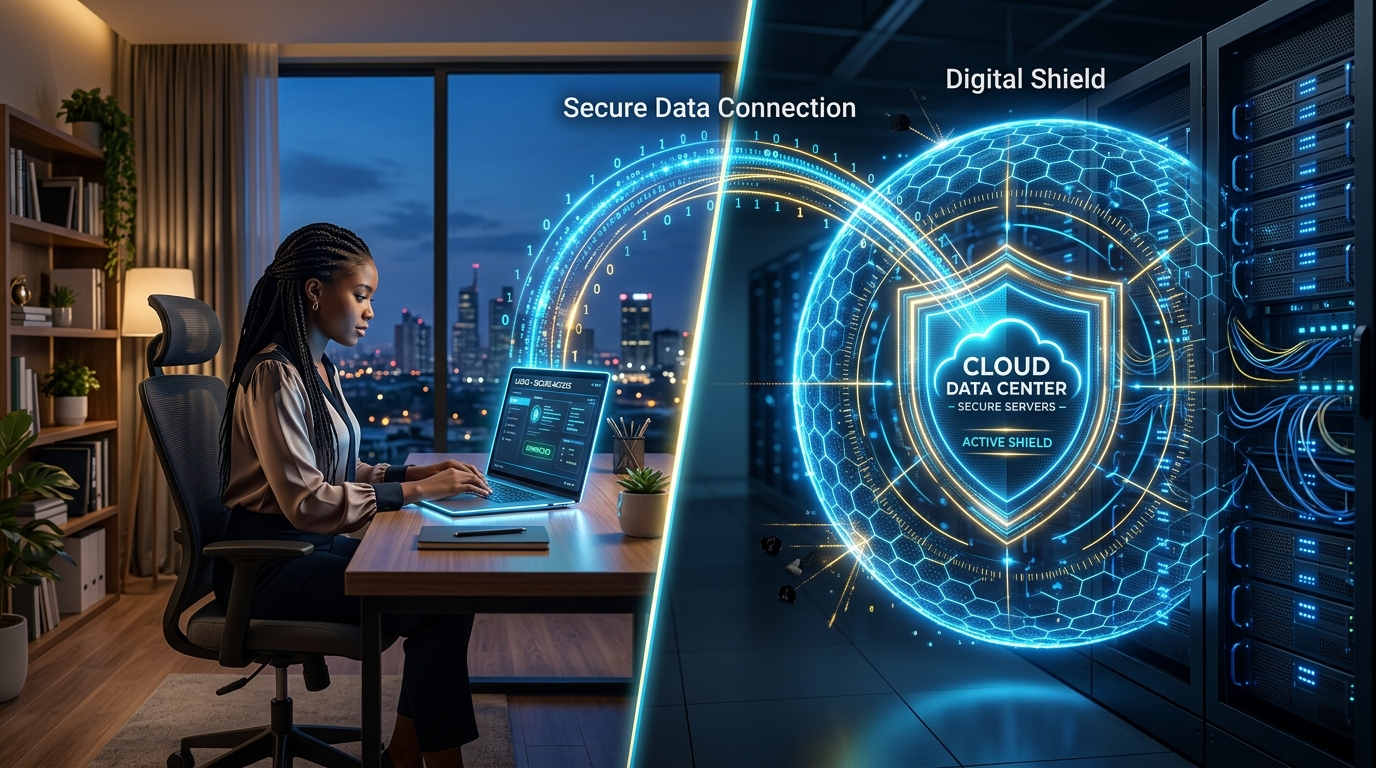

In 2026, “Work from Anywhere” is the norm for Nigeria’s top-tier talent. But for the business owner, this means your data is constantly traveling across public internet lines, local ISP networks, and home routers.
To stay ahead of the threats we discussed earlier—like AI-powered phishing and account hijacking—you need to shift to a Zero Trust Architecture.
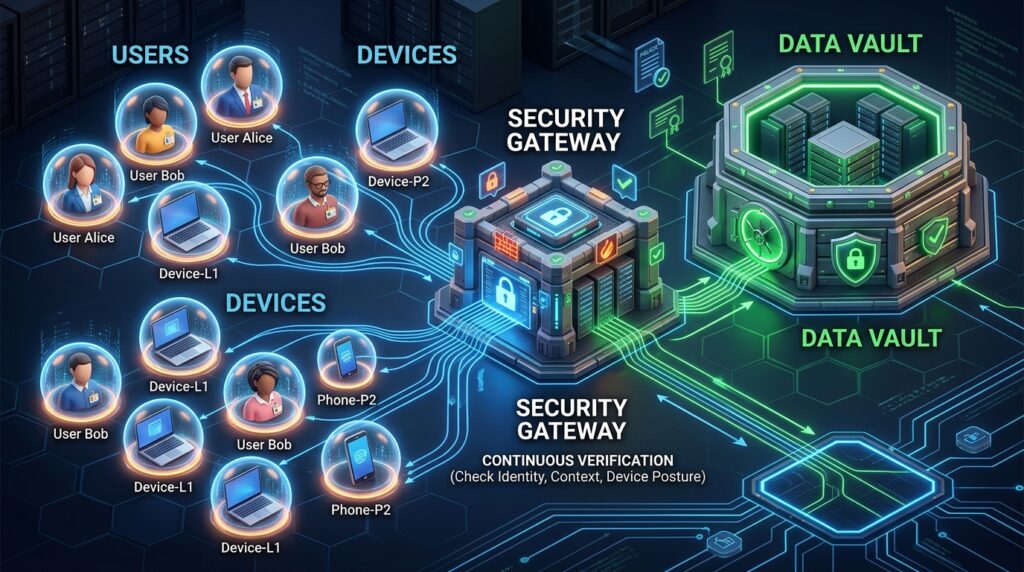
1. The Core Principle: “Never Trust, Always Verify”
In the past, once someone was on your “Company Wi-Fi,” they were trusted. In 2026, trust is a vulnerability.
- Identity as the Perimeter: Your security strategy should focus on the User, not the network. Whether an employee is connecting from a cafe in Ikeja or a home office in Kano, their identity must be verified every time they access a new application.
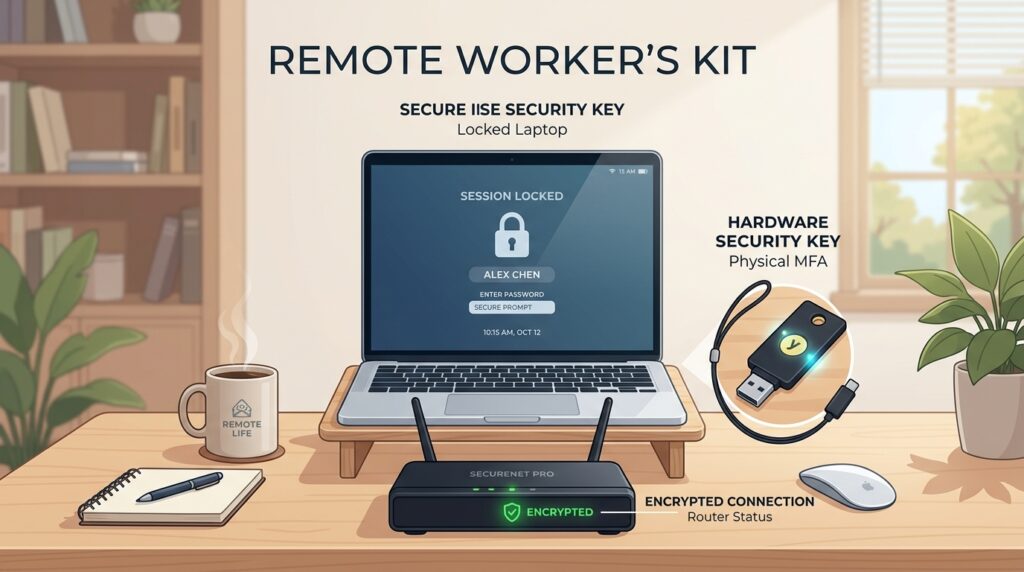
- Hardware-Backed Access: Move away from SMS-based MFA. SMS codes can be intercepted via SIM-swapping. Use Hardware Security Keys (FIDO2) or biometrics that are bound to the specific device.
2. Secure Your Cloud Infrastructure (SaaS/IaaS)
Most Nigerian startups run on AWS, Azure, or Google Cloud, and use SaaS tools like Slack, Notion, or custom React/Next.js dashboards.
- Conditional Access Policies: Configure your cloud tools to only allow access from “Compliant Devices.” If a laptop is missing an OS update or doesn’t have an EDR agent installed, the cloud service should automatically deny the login attempt.
- Centralized Identity Management: Use a single “Source of Truth” for identities (like Okta, Microsoft Entra, or an open-source equivalent). This allows you to kill all access for a departing employee with one single click.
3. The “Home-Base” Security Checklist
Home networks are the biggest “blind spot” in your security. Encourage (or mandate) these steps for your remote staff:
- Router Hygiene: Change default ISP passwords on home routers.
- Dedicated Work Profiles: If possible, use a separate “Work-Only” user profile on the laptop that doesn’t have local admin rights for installing unauthorized software.
- Always-On VPN (The Secure Tunnel): For accessing sensitive databases, ensure your staff use an “Always-On” VPN that routes traffic through a hardened entry point.
2026 Remote Work Security Comparison
| Feature | Legacy Setup | 2026 Zero-Trust Model |
| Verification | VPN to office (Once) | Per-App Verification (Always) |
| MFA Method | SMS / Email Code | FIDO2 Hardware Key |
| Device Access | Trust any company device | Trust only “Compliant” devices |
| Visibility | Network traffic monitoring | User & Device behavior analytics |
The Takeaway: Security is an Ongoing Practice
Securing a remote workforce in 2026 isn’t about setting up a firewall and walking away. It’s about building a Security-First Culture where your staff understands that they are the primary gatekeepers of company data.
Cloud Security Alliance: Global Best Practices for Remote Work
The CSA provides the global framework that many of Nigeria’s top tech firms are adopting in 2026 to ensure their remote and hybrid teams remain compliant and secure.